
New marketing tool for designers launched
Use our ‘Choosing A Designer’ checklist to help your pitch stand out
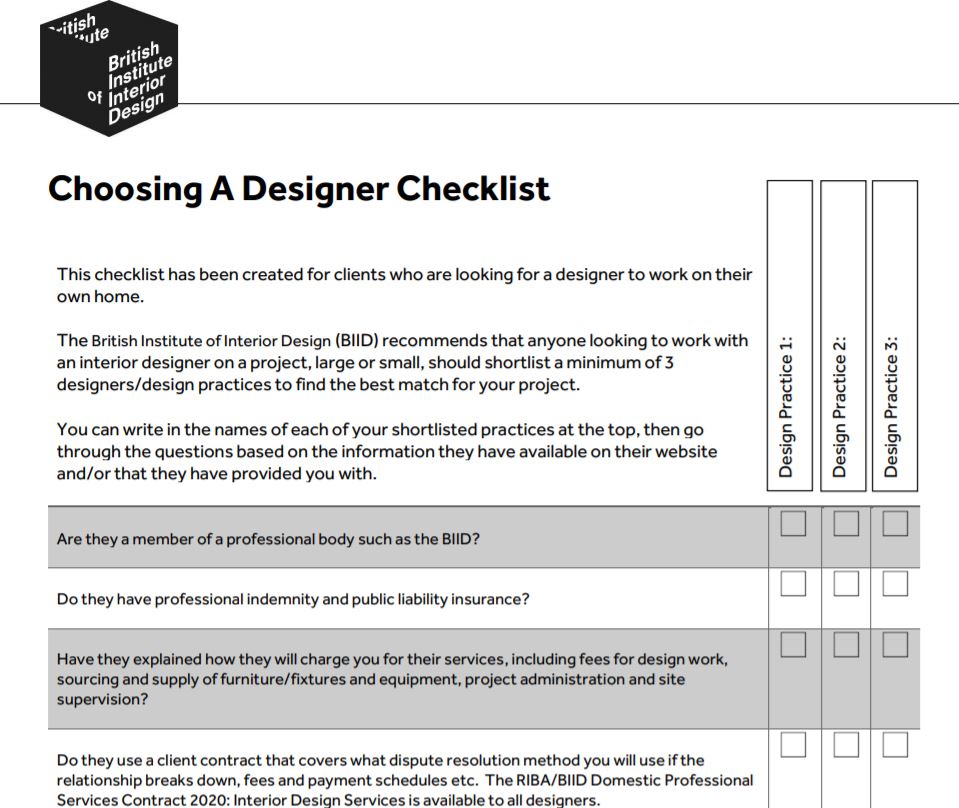
The BIID has just launched a new marketing tool for its members. The ‘Choosing A Designer’ checklist is a document that you can print out and give to your clients when you are one of a number of practices pitching for a project. It provides a list of 8 questions that a potential client should ask of their designer before deciding who to hire including:
- Is the designer a member of the BIID or other professional body
- Does the designer have professional indemnity insurance
- Has the client received a clear explanation of how the designer will charge?
- Has the designer provided a comprehensive client contract?
- Does the client understand what individual or company they will be contracting with?
- Is the client happy that the designer will adequately protect their data?
- Does the designer have a Complaints Policy in place?
- Does the designer have an Anti-Bribery Policy in place?
When a BIID member is pitching for a project, in addition to their design skills and experience, they are also selling the client on their professionalism. The idea behind this checklist is to help designers to both communicate the importance of professionalism to potential clients, and to also highlight their own competency in this area. It is also available on the ‘Find A Designer’ section of the website for any potential clients browsing the BIID website to download and use.
We welcome any feedback from members on how we can improve and develop this checklist, or other client marketing tools they would like to see.

Exploring the new WELL Interiors designation with IWBI Senior Vice President Ann Marie Aguilar
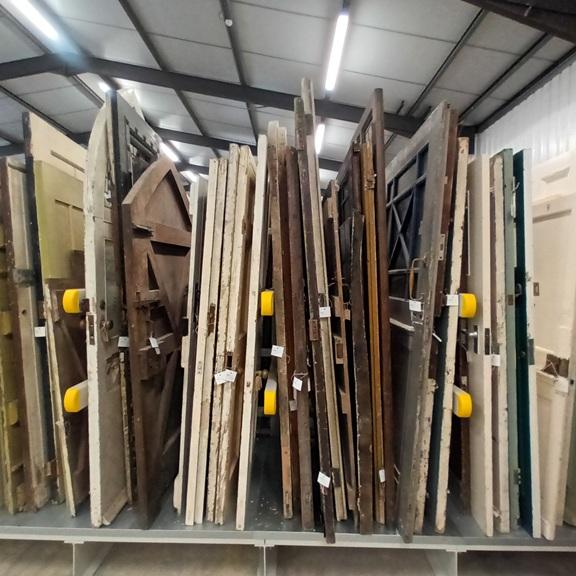
The Brooking Collection brings together architectural features spanning five centuries of British design and craftsmanship, from historic windows and doors to staircases and decorative ironwork.

We're looking for BIID Registered Interior Designer® to volunteer as mentors for our Student Design Challenge this November
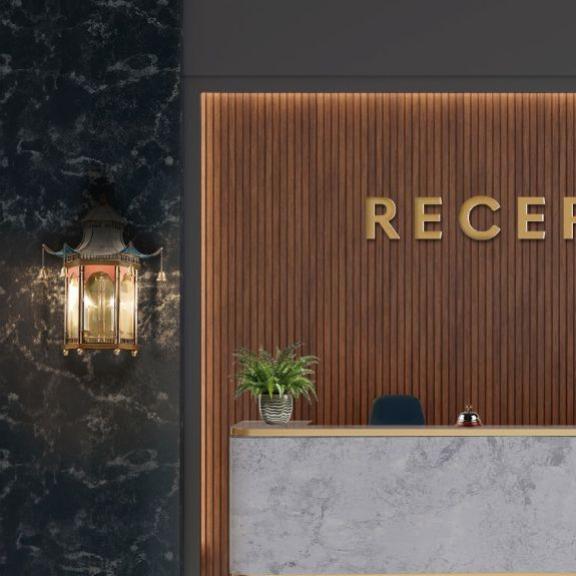
Mark Lissauer of Christopher Hyde Lighting on the enduring appeal of classic lighting

Sam Fisher, Event Director of Decorex, explains what visitors can expect at this year’s show

Practical guidance to support more responsible choices across the design and construction industries